
Posts

Showing posts with the label nikki allmann

Devices are not a distraction

Teaching in a 1:1 environment is truly a great opportunity for both you and your students. It allows for immediate access to the most recent information, endless opportunities for students to create and demonstrate their understanding of the concepts, as well as personalizing the learning for your students. However, I am often hearing that the devices are becoming a distraction. Students become off task and are on websites or apps that are either inappropriate or unwanted at the time. The first instinct for the teacher is to take the device away. However, it is a learning tool, just as a paper, pencil, and book are learning tools. We certainly do not take those away from our students. We deal with the behavior, redirect students to get back on task and reinforce to use the device appropriately. So, over the break, I took an opportunity to read a book called Classroom Management in the Digital Age: Effective Practices for Technology-Rich Learning Spaces by Heather Dowd and Pat Green. I...

Hour of Code - December 9-15

Image
“The 'Hour of Code™' is a nationwide initiative by Computer Science Education Week [ csedweek.org ] and Code.org [ code.org ] to introduce millions of students to one hour of computer science and comp uter programming.” During the week of December 9-15 , schools all over the world will be devoting at least 1 hour for students to problem solve, critically think and use their creative skills...building 21st Century foundational skills.  Here is a great graphic telling WHY coding is important for every student, Kindergarten through 12th grade. We recently worked with elementary level principals introducing them to Scratch  -  and Ozobots . We chose the activity "Code with Anna and Elsa" to explore the concept of angles in math. We designed a storytelling literacy activity with the Ozobots. Debriefing after the activity, Principals' conversations revolved around almost every single one of these reasons coding is critical for our students that are listed in...

Capture your students' attention with images

Image
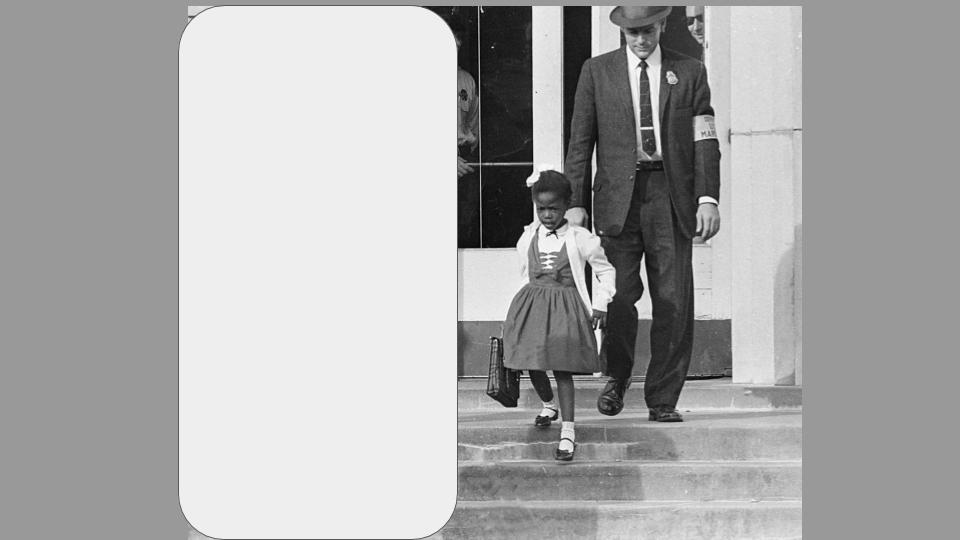
How do you introduce a new unit or any lesson to capture the attention of your students? Do you pose a question? Was it creative and unexpected? Maybe it was a simple review of what they learned in the previous lesson. There is a purpose of hooking your students for that fresh learning and setting the objective for each lesson. It can help activate prior knowledge, set the learning expectations and allow students to make connections between the content and real world. The use of images can be that creative and unexpected way to capture your student’s attention with the anticipation of new learning. Strategy 1 - Half the picture Locate an image that shows a big idea of the unit or lesson. Make a copy of the image in order to edit using a photo editing tool to cover half of the picture. Display the image that only shows ½ of the picture. Using the 3-2-1 strategy, a great AVID strategy, have students organize their thoughts about what they think is happening in the picture. ...

Voices in Tech: How edtech coaches aid classroom instruction

We are excited to share an article from District Administration  featuring our very own Nichole Allmann.  See the excerpt below and be sure to head to the full article to read about all of Nikki's experiences and wisdom.  "A well-trained team of coaches helps teachers manage the potentially overwhelming integration of new technology" By: Emily Ann Brown | August 8, 2019 ...Technology never takes center stage In the coach-teacher partnership. Instead, coaches help teachers examine standards and curriculum, and identify learning goals. They then recommend tools that will facilitate desired outcomes, says Nichole Allmann, a technology integration specialist who oversees coaches at 10 schools... Read the full article here!

Getting parents up to date with technology

Image
What is your school doing to inform parents of internet safety, media balance, and learning with technology? What are you doing, as an educator, to provide ongoing information so parents are learning how to “monitor” their child(ren)’s technology use at home? Just as we did not grow up in the digital age, the parental community in each of our schools did not either. They are just as unequipped and unaware as we are when it comes to digital citizenship. As an educator, it is imperative we are knowledgeable and stay up to date with how to develop our students to be responsible online users. Much of what we do with our students is online and can be overwhelming, ensuring they make the right choices and be informed users of the internet. Many of our students are currently developing an online reputation that will impact their future. Just as we are learning how to teach this to our students, parents need to learn what steps they can take to keep their child(ren) safe and...

New and Revised Curriculum for Digital Citizenship

Image
https://www.commonsense.org/education/digital-citizenship/curriculum One of the critical areas we, as educators, focus on daily with our students is being a responsible citizen in our society. We work on building character skills on a daily basis in various ways, whether it is circle time/morning meeting, community building activities or reteaching those quick lessons when students need a “refresher” on those good habits of mind. The question is, how do you implement the learning required for students to be responsible “digital” citizens? So you know where to start? Common Sense Media has recently released some new and revised lesson plans that are FREE and completely ready to use. Here are some highlights of what you can find on their website: Lessons are organized based on revised topics under the big umbrella of “Digital Citizenship” . This list also reflects the new “scope & sequence” where the first topic is more general, progressing to a more complex topic. ...

Digital Strategies to Make Learning Visible

Image
Gone are the days that students must memorize facts, dates, and people. Nowadays most educators would agree they want their students to not only “know” the information but be able to do something with the new knowledge. Simply put, students need to be able to critically think about the content and put it into application. However, as a veteran educator or even a novice educator, what does that type of “active” learning look like? It was certainly not how we learned when we were going through school, nor did our colleges prepare us for this type of teaching. I want to share a few strategies that can be applied in any subject and any grade, though you may need to modify them to meet the needs of your students in order to get your them critically thinking about the subject matter. “ Tweet This ” Bring the idea of social media tools to help students formulate their own understanding or opinion on a topic they are learning. At the end of your lesson, ask students to create a “tweet” r...