Posts

Screencasting in the Classroom

Screencasting in the classroom is often suggested as a first-step for teachers looking to turn previously created powerpoints or slides presentations into a stand-alone lesson that students can engage with anytime, anywhere, and alone. Basically, screencasting is a process that records a user’s screen and allows the opportunity for a narrator to voice-over or annotate. Though screencasting is a great option for teacher content creation, this post is going to push the envelope and suggest that teachers assign the creation of a screencast as student work.  In primary grades, students can screencast and record their reading of a text and teachers can assess the student’s skill level with certain vocabulary words and other measures of fluency. In math, students can be provided with a fully solved math problem and then narrate the mathematical reasoning that made the solution possible. Or, students can be assigned a problem to completely solve digitally (on a Google Slides show...
What is Digital Citizenship?

Image
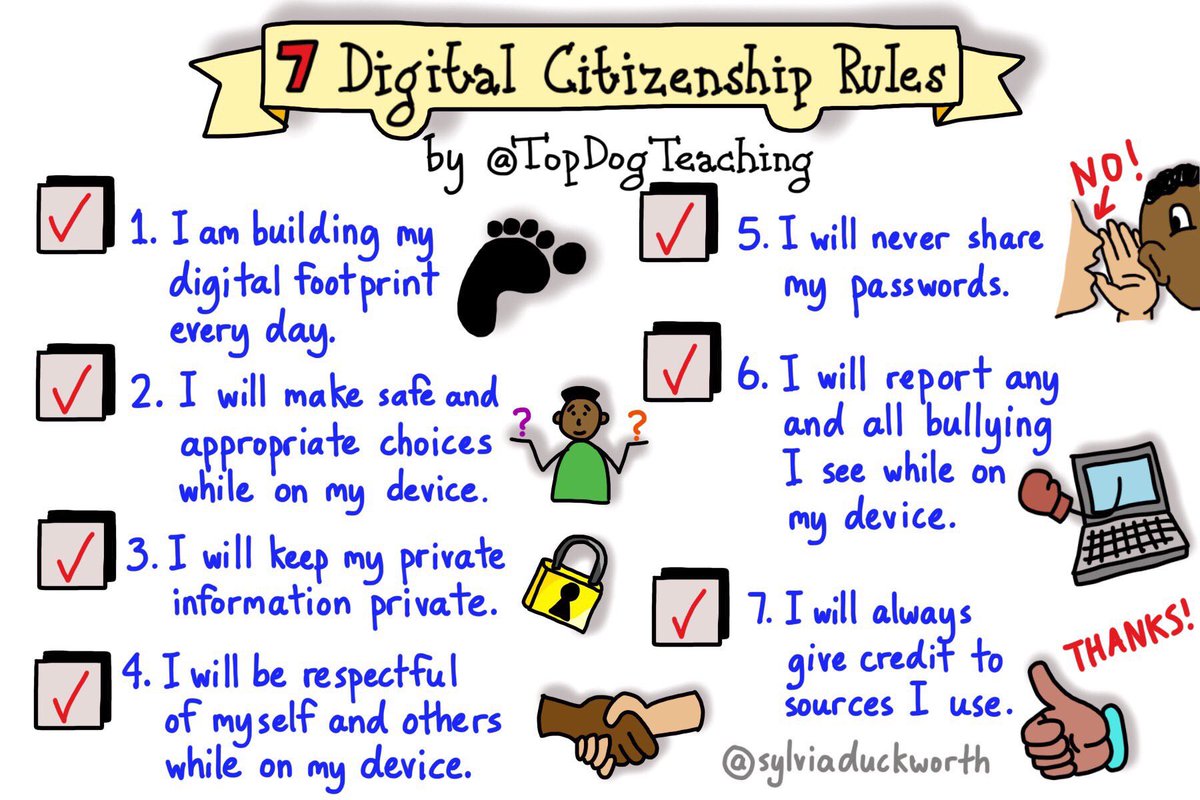
When you hear Digital Citizenship , what first comes to mind? Maybe it’s a combination of thoughts like internet safety, cyberbullying or determining whether it is fake news. The whole idea of digital citizenship can be overwhelming to anyone, especially a teacher or parent. The amount of time our children spend on devices increases annually. We, whether you are a teacher or parent, happen to be the best role models for our students and it’s why I personally want to learn more about digital citizenship. I want to learn all the components of this topic and share my thoughts on this blog as I process the information. My hopes are that you will gain a better understanding of digital citizenship as well and formulate some creative ways to model skills in your classroom. No matter the content that you teach, we need to be able to embrace the power of technology and help our students build healthy habits with technology in order to be successful in the digital age. Common Sense Media de...

Differentiating with Technology: part III

Image
This is the last post in our 3 post series on using technology for differentiation.  See the previous two posts here: Differentiating with Technology: Content Differentiating with Technology: Process The last category that is typically explored with technology is differentiating the product .  This is the method that teachers use to be able to determine “did the students get it? ”  Wiggins and McTighe (2005) remind us that it is not that students can acquire knowledge alone - the true measure of learning is about what students can do with their knowledge.  This is where product and differentiation really shine. Differentiation can easily be done by allowing students to choose a method to demonstrate their knowledge.  This differentiation based on student interest is made effective and efficient with the use of technology.  Does it matter to the teacher if the student chooses to use Google Slides or a WeVideo?  Can the same understanding be ...

Differentiating with technology, part II: Process

Image
In December we blogged about the possibilities that technology offers to the practice of differentiation.  Differentiation is typically broken down into 3 realms: content, process, and product.  Content was covered in this post from December 14th.  The information shared here will develop the ideas regarding using technology to allow for opportunities for differentiating the process . When we think about the instructional process, we are really focusing in on student readiness level, learning preferences, and aptitudes along with the activities used to engage the students and allow for mastery of the content.    Technology allows for teachers to support different student readiness quite easily.  Resources can be provided privately and seamlessly to students via a learning management system or even via email that adjusts the path of learning for student readiness.   Differentiating Video Learning Many videos have transcripts available. ...

Differentiating with Technology: Content

Image
An incredible feature of teaching in a 1:1 classroom is the wealth of content and capability available at both teachers and students fingertips in the classroom.  Having access to so many resources and assessments beyond what is available in typical textbooks makes differentiating for students more straightforward than ever before. What is differentiation? Differentiated instruction is an approach to teaching in which educators actively plan for students' differences so that all students can best learn. In a differentiated classroom, teachers divide their time, resources, and efforts to effectively teach students who have various backgrounds, readiness and skill levels, and interests ( ASCD ). Teachers typically think of differentiation in three different portions of their instruction: content, process, and product.  This blog post will begin a 3-article series regarding integrating technology as a resource to supporting differentiation.   Why and how to dif...

Why Coding Should be in the Classroom

Image
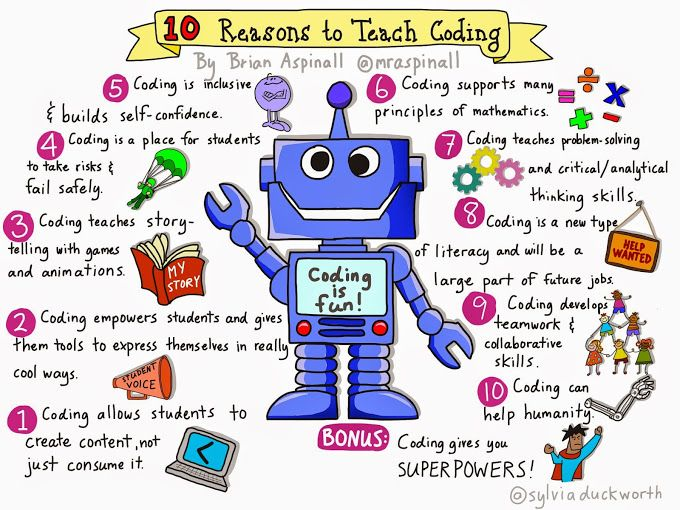
I remember when I was a school level Technology and Learning Coach, I loved working with the students and coding, whether it was with the 4th/5th Grade “Game Coding Club” that I ran or the events I coordinated for the yearly Hour of Code activities for the school. The students were engaged and showed such excitement while programming the characters to move; it was motivating for me to keep coding going for the school. However, just like other other “cool” thing there isn’t enough time to add in something new and then there’s the idea of how to connect coding to curriculum? Learning to program/code does not need to just stop after the week of Hour of Code ends. (Which, if you are not aware yet, Hour of Code is the week of December 4, 2017. ) This week of introducing coding is just the start of something new for the students. When students are programming/coding, they are given an opportunity to utilize and build skills such as logical thinking, problem-solving, perseverance, ...

Adding value to edtech games

A few weeks ago we blogged about the value of online games in the classroom .  Hopefully it inspired some thinking about the purpose, intentionality, and value the games add to the student’s learning.  We know that there are times where some sort of online game works for classrooms so here are some strategies that may ensure higher quality learning.   Connect the game to another learning goal.    If students need to study vocabulary and matching quizlet cards is your only choice, consider providing an activity that requires the students to transfer the learning.  If students must review vocabulary words, assign a follow up paragraph where they use the words in context.       2.  If the game tracks points/time, ask students to reflect on progress.      Asking students to reflect on how they decreased their time to solve math facts or      match words and definitions allo...